
Order TeslaMax® Supplies
For Existing Provider Partners
When choosing a quantity of 10+ on any item, be sure to click the check by the number to update the Order Summary Info.
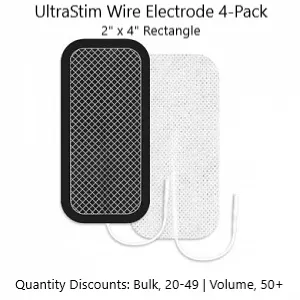
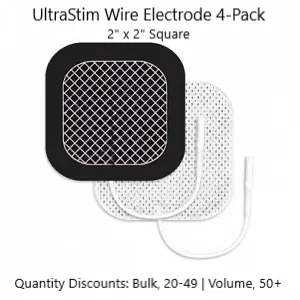
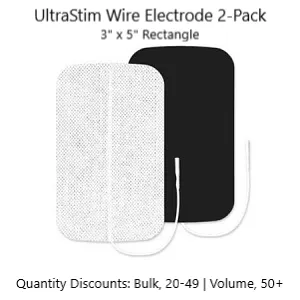






Why Electrode Quality Matters - TeslaMax® Electrode Recommendations
The performance of any electrotherapy system depends heavily on the quality and condition of the electrodes being used. TeslaMax-approved electrodes are selected to provide:
✔ Consistent conductivity and current distribution
✔ Strong, reliable adhesion during treatment
✔ Improved patient comfort
✔ Reduced risk of treatment inconsistency caused by poor electrode contact
✔ Longer electrode life when properly maintained
Using low-quality or worn electrodes may negatively affect treatment consistency, patient comfort, and overall user experience. For best results, replace electrodes as needed and follow all recommended electrode care guidelines as detailed in the TeslaMax Operator Manual.
Electrode Care Tips
✔ Apply only to clean, dry skin.
✔ Return electrodes to the storage liner after use.
✔ Store in a sealed bag when possible.
✔ Avoid excessive stretching or folding.
✔ Replace electrodes when adhesion or conductivity noticeably decreases.
TeslaMax® Replacement Lead Wires
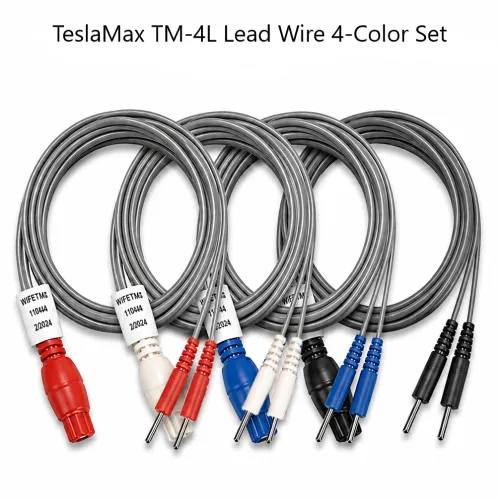
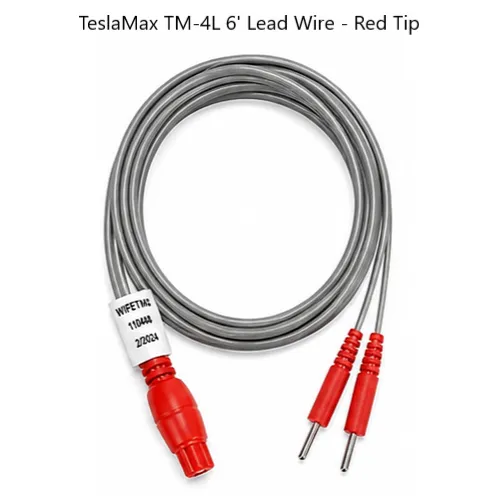
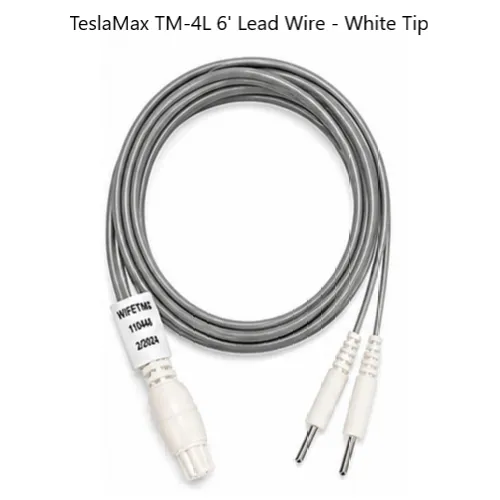
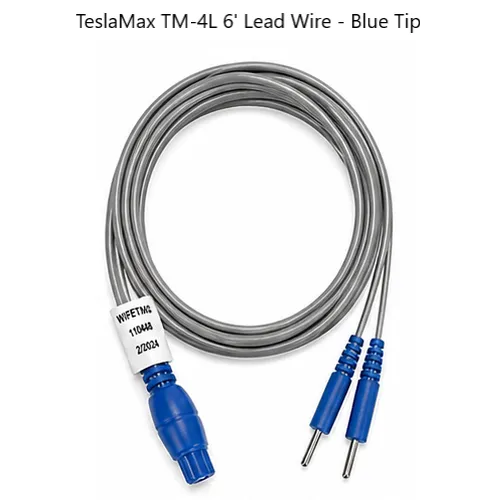
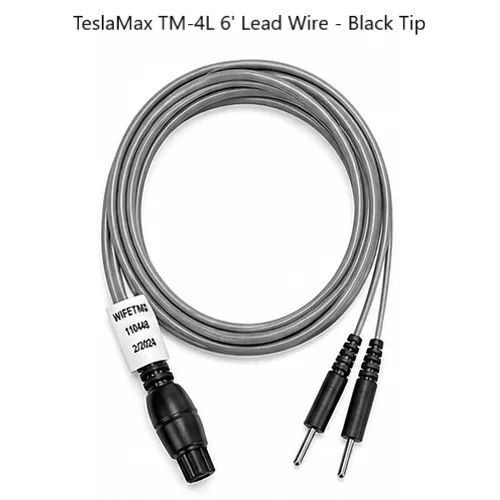
TeslaMax lead wires are color-coded for quick identification and proper channel placement. Available individually or as a complete Red, White, Blue, and Black replacement set.
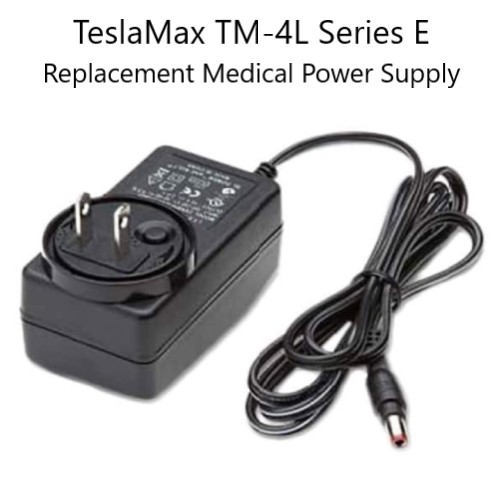
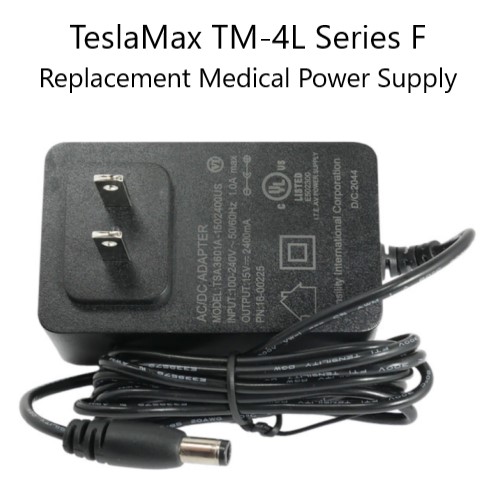
TeslaMax® Replacement Power Supplies
Replacement power supplies are available for both E-Series and F-Series TeslaMax systems. Please verify your system model before ordering by checking the serial number on the back of the TeslaMax TM-4L equipment to the Alpha character that is toward the end and does not include -NP.
Provider Education & Patient Support Materials
Professionally designed brochures are available to support patient education and improve understanding of common TeslaMax applications.
Available topics include:
✔ Peripheral Neuropathy
✔ Urinary Incontinence
Need Order Assistance or Additional TeslaMax® Support?
Not sure which supplies you need? Need additional protocol support, refresher training, replacement equipment, or assistance with a patient application?
Contact:
John Peterson, TeslaMax® Provider Success Specialist
Health and Wellness Technologies
📞 775-830-2270
Having Issues With The Order Quantity?
When choosing an order quantity greater than 9 for a single item, you will need to choose the 10+ Quantity option. The quantity field will then allow you to manually enter a number from 10 to 999 in the Quantity field. To finish entering that quantity you will need to click the check that will show up to the right of the field where you entered the quantity you are ordering of that item.
Quantities exceeding the maximum amount of an item that can be ordered at one time will display a red box around them, and the explanation of the issue will be displayed just above the Order Summary at the bottom of the available products list.